
Your Chase Ultimate Rewards card can help you earn bonus points in more ways than one — provided you remember an extra click before checkout.
Chase has an online shopping portal, called Shop and Earn, that lets eligible cardholders collect bonus Ultimate Rewards points when shopping at over 1,000 online retailers. Those bonus points stack with the points, miles or cash back you earn from your credit card, meaning the same purchases are doing double duty.
It’s a small habit with a surprisingly satisfying payoff. Here’s how to make sure those extra points actually land in your account.
What is Shop and Earn?
Like other portals, Chase Shop and Earn is easy to use, but the order matters: Instead of beginning at a retailer’s website, sign into your Ultimate Rewards account, find your preferred merchant within Shop and Earn and click through to its website.
You then shop and check out as usual, while Chase tracks the purchase and awards the advertised bonus points.
There are strong odds that you can earn on nearly any purchase, given the large number of participating websites. Advertised rates range from 1 to 15 bonus points per dollar spent, although participating stores and payouts change regularly.
These portal rewards are added on top of the points your Chase card normally earns. For example, if a retailer offers 5 bonus points per dollar spent through Shop and Earn, a qualifying $100 purchase would earn 500 bonus Ultimate Rewards points, plus the rewards earned from paying with your card. You may also be able to combine these earnings with Chase Offers for even more returns.
If you repeat this strategy every month, with a little extra shopping around the holidays, you could earn thousands of Ultimate Rewards each year, putting you closer toward your next award flight, hotel stay or other redemption.
Is The Shops at Chase the same as Chase Shop and Earn?
The Shops at Chase is a separate offering for eligible Chase cardholders. While Shop and Earn acts as a shopping portal that awards bonus Ultimate Rewards points for qualifying online purchases, The Shops at Chase is an actual shopping marketplace. Through The Shops at Chase, cardholders can buy a curated selection of products using their Chase credit card and/or Ultimate Rewards points.
Related: Why I choose to earn Chase Ultimate Rewards points over Amex Membership Rewards points
How to access Chase Shop and Earn
Shop and Earn is available to cardholders who have at least one Chase credit card that’s part of the Ultimate Rewards family. Some popular examples include:
Note that cobranded Chase airline and hotel cards aren’t eligible for Shop and Earn.
If you’re an eligible cardholder, there are several different pathways to access Shop and Earn from your online Chase account or mobile app. Personally, I find the easiest method is to go directly to ultimaterewardsearn.chase.com. There, you’ll sign in to your account and select your eligible Chase account (if you have multiple qualifying cards).
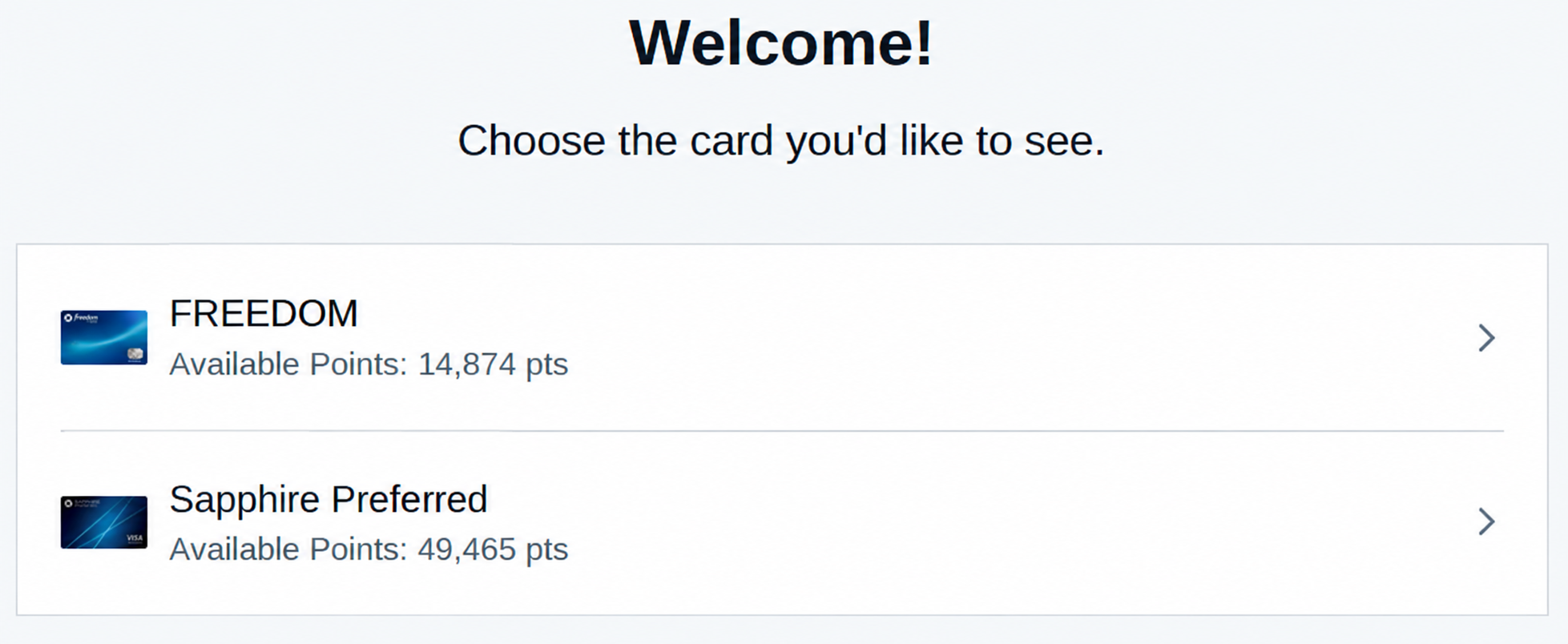
You can also access Shop and Earn by navigating through the benefits sections of your online accounts or the Chase mobile app.
Offers sometimes vary by card, so it can be worth checking each of your eligible accounts before choosing a payout. Shopping aggregators like Cashback Monitor quickly display earning rates for different Chase cards as well as what you’d earn by using alternative shopping portals.
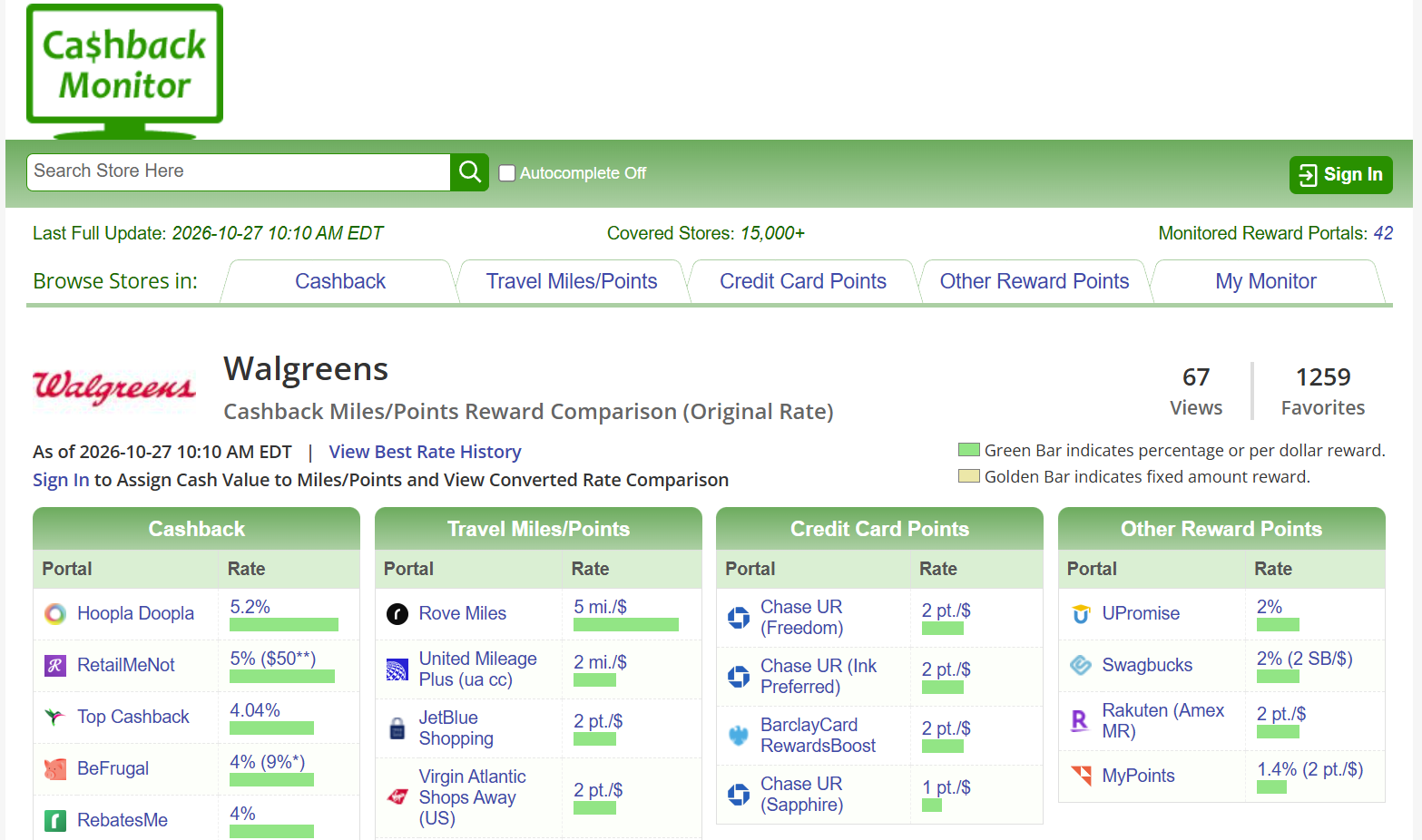
Aggregators are also a good way to determine if the Chase portal is the best option for your particular purchase. Sometimes, other portals offer a stronger return than Chase Shop and Earn, though this will depend somewhat on how you value Ultimate Rewards.
Related: Reasons to choose the Chase Sapphire Preferred over the fancier Chase Sapphire Reserve
How does Shop and Earn work?
Once you’re on the Chase Shop and Earn website, you can search by merchant using the search box on the right, or you can scroll down to browse the stores currently offering elevated earning rates.
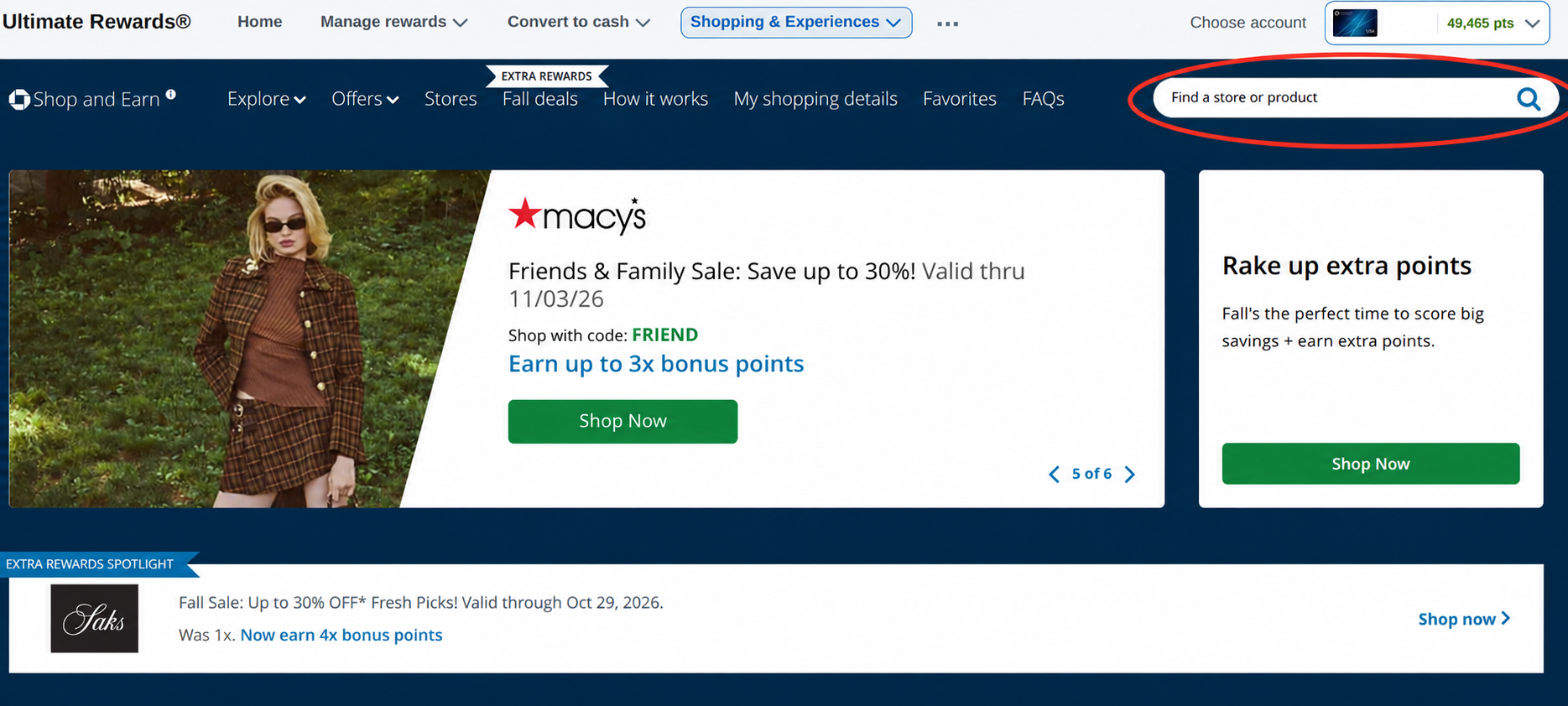
If you shop with a particular retailer regularly, click the heart icon to add it to your favorites and monitor its offers more easily.
When you’re ready to shop, click on the relevant retailer’s name. That will lead you to a screen outlining different earning rates by purchase type, as well as any additional terms and conditions for that specific merchant.
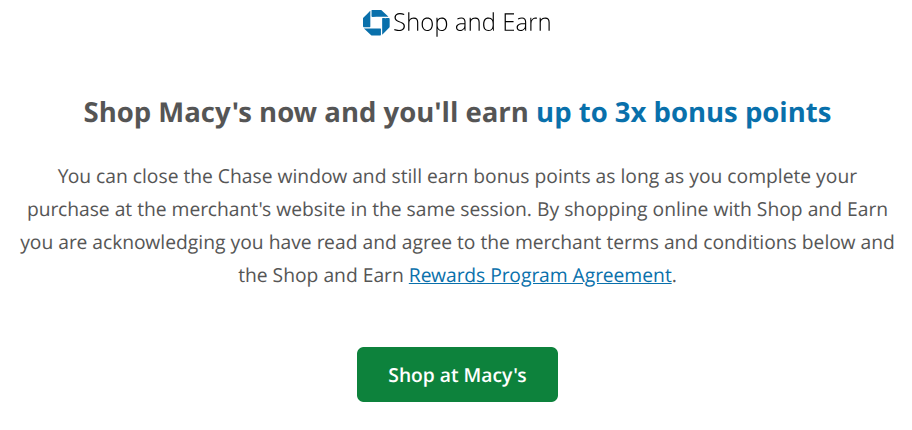
Pay attention to excluded products or brands, restrictions on coupon codes and other exclusions.
Related: How to redeem Chase Ultimate Rewards points for maximum value
How to make sure your purchase tracks
Shopping portal bonuses rely on browser tracking, so a few small mistakes can prevent your purchase from qualifying.
Shop and Earn typically requires you to complete your purchase in the same browser session you started on the portal website, since it tracks your purchase using internet cookies. Be sure not to close out of the browser or navigate away and then back again.
If you close out of the window, there’s no guarantee your visit will be tracked correctly for your rewards. When in doubt, you can always restart the process from Chase Shop and Earn.
You’ll also want to pay close attention to terms and conditions. Chase doesn’t normally award points on gift cards or purchases made with specialized coupon codes (in my experience, promo codes advertised directly on the merchant’s website are usually allowed). Orders that are canceled, returned or otherwise refunded also won’t qualify.
When will my rewards from Shop and Earn post?
Chase says bonus points may appear as pending on your Shop and Earn shopping details page within 15 days, though in my experience, it often takes just a day or two. You should also receive an email confirming the purchase and the points earned.
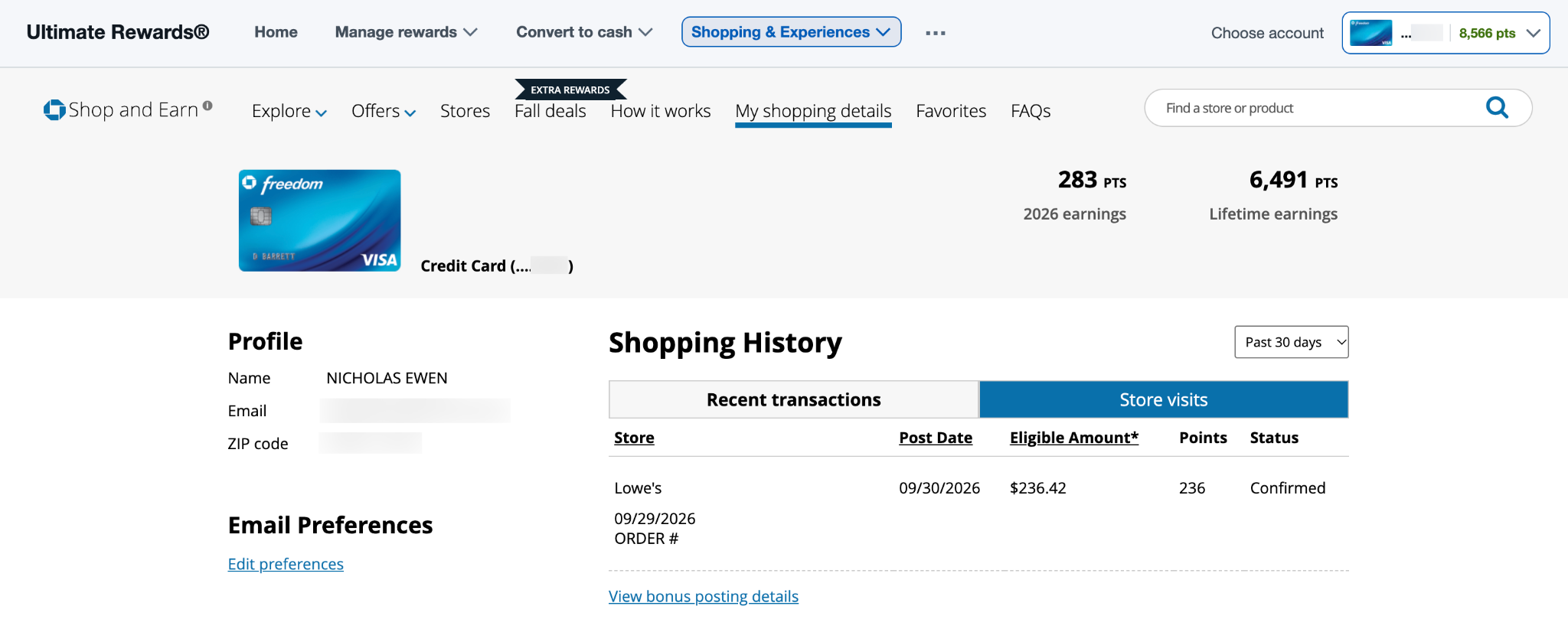
Even when you can see the transaction was accurately tracked, points may take up to 60 days to fully post to your account. If they still haven’t appeared by then, you can follow up with Chase via the phone number on the back of your card or through the online secure message center. You’ll need the merchant name, purchase date, order total and ideally an e-receipt or confirmation email.
Points you earn with Shop and Earn typically appear as pending on your “Rewards Activity” page within a few days, though it can take up to two billing cycles for your bonus points to post.
Bottom line
If you’re shopping online without checking Chase Shop and Earn, you could be leaving free travel on the table. Returns go further than simple cash back, and the math is simple: Even small transactions snowball into larger balances that can lead you to some serious redemption power.
Related: Everything you need to know about credit card merchant offers
Disclaimer : This story is auto aggregated by a computer programme and has not been created or edited by DOWNTHENEWS. Publisher: thepointsguy.com