Many of us have a lot of digital data locked away in our Google accounts: emails, photos, chats, documents, schedules, restaurant reviews. Losing access to that data is likely to be fairly high on the catastrophe scale.
There are steps you can take before that happens to minimize the chances of you and your Google account being permanently separated. You should put the tightest security possible around the account, which includes setting up two-factor authentication, and you should review your options for regaining access should the worst happen.
Those options now include Recovery Contacts, which is where you specify friends and relatives who you trust that can help you get back into a locked account. Here’s how it works, plus information about the other account recovery features you need to be aware of.
Set Up Recovery Contacts
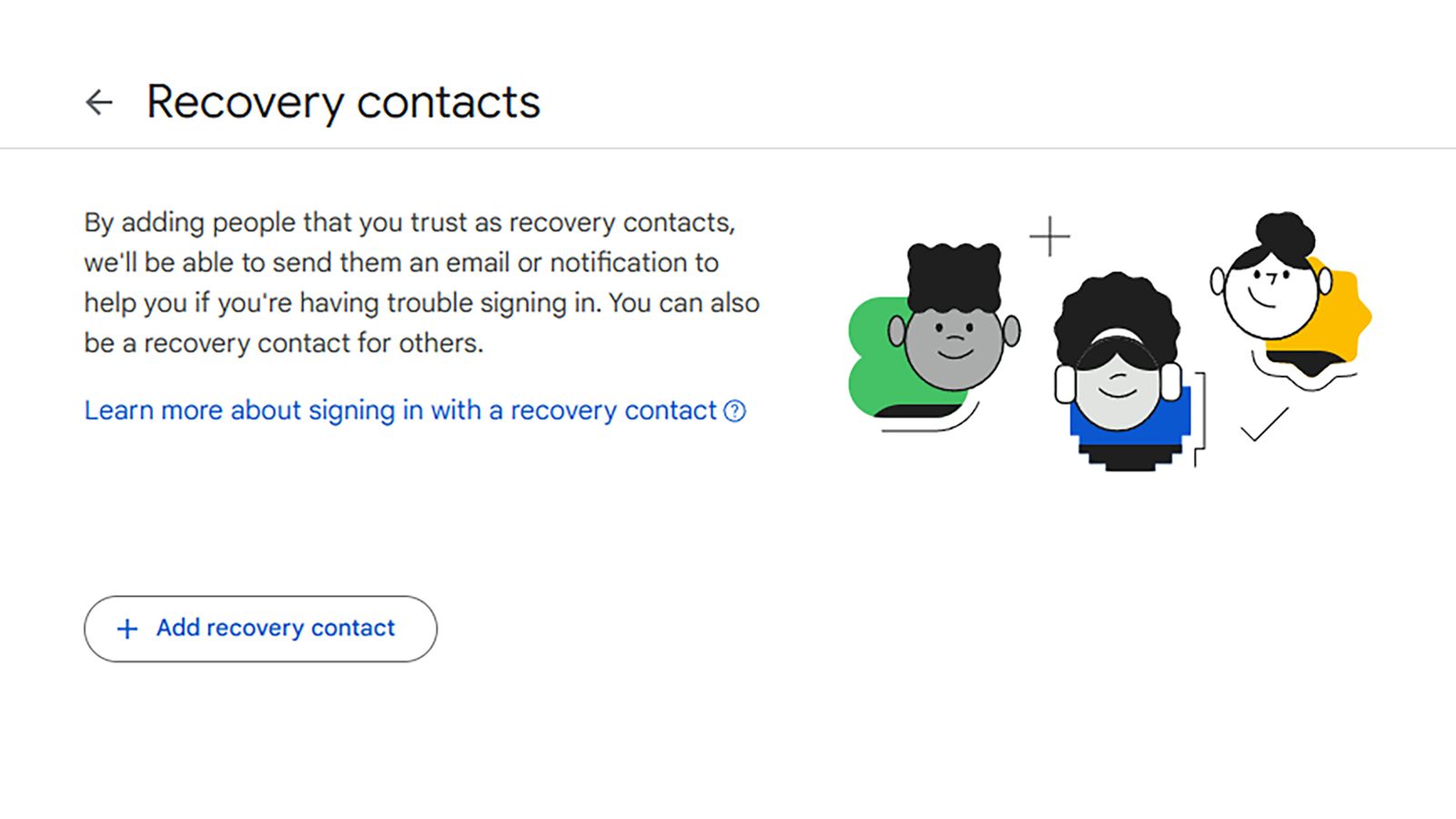
We’ll start with the newest feature for account recovery, which is Recovery Contacts. This is a list of up to 10 people you specify, and when you’re trying to get back into your Google account, they can be asked to confirm access in the same way that you might normally approve a prompt on your own phone (which is helpful if your phone is lost, for example).
To set up your recovery contacts, head to your Google account on the web, then click Security. This is the page where you can control access to your account, check the apps and devices you’ve linked to it, and review recent account activity. Under the list of sign in options, click Recovery contacts.
Click Add recovery contact to start building your list. You need to enter the email addresses of everyone you want to add as a recovery contact, and you’ll be given some suggestions on screen. Your chosen contacts must have a Google account they have access to, so Gmail addresses are required here.
Once you’ve picked someone (and you can only add one person to the list at a time), click Continue and then Send request. The selected contact then gets a message in their inbox, with a link that’s valid for seven days. They can choose to accept or ignore the request, and if they agree to the deal, you’ll get a confirmation email. You also get an email when the request is dispatched, to guard against someone adding recovery contacts without your knowledge or consent.
It’s a good idea to choose people you’re regularly in touch with as your recovery contacts. They should be people you can call or that you see face-to-face, so that when they get the email from Google, you can tell them what’s happening and reassure them that they’re not being phished. Google says they should be people who can respond in 15 minutes if you’re having trouble with your account.

If you are having issues logging into your Google account, you get redirected to an account recovery page—which will include recovery contacts, if you’ve set them up. Choose a contact, and you’ll be given a code which you can pass on to them via a communication channel of your choice. They’ll get a prompt that their help is needed, and be asked to supply the code you’ve given them.
This is where the 15-minute window comes in, so it really needs to be someone you can call or text right away. Google also runs some checks in the background for suspicious activity, and you and your contact may have to provide extra verification details just to make sure you really have requested help. At no time will your recovery contacts be able to access your Google account, or anything in it.
Other Google Account Recovery Options
The Recovery Contacts feature is far from the only way to get back into a Google account you’ve been locked out of, but it is one of the most straightforward. Assuming you’ve got someone you can get in touch with pretty quickly, they can vouch for your identity and get you back into your account in a matter of minutes.
You’ll find several other options on the Security page of your Google account on the web. Two of the most important entries here are Recovery phone and Recovery email, which should be a cell number and an email address you have access to. Make sure these details are always up to date, as Google might use them to try and recover a locked account.

Google is a little circumspect about the various methods it deploys to recover accounts, mainly so that it’s harder to access these accounts without the right authorization, but recovery phone numbers and email addresses may be used to send links that will get you back into your account, or to prove that a recovery attempt has been initiated by you and not someone else trying to get into your account.
It’s therefore important that your recovery numbers and email inboxes are well protected. The security around your Google account is only as strong as the weakest part of it, and if someone has gained access to your secondary email account they could use it to request and then confirm access to your main Google account.
Also on the Security page of your Google account, you’ll see a Backup codes option. Click this, then Get backup codes, and you’ll be given 10 codes that can be used in place of two-factor authentication—maybe if you’ve lost the phone that had your authenticator app on it, or you can’t get codes via text for some other reason.

Obviously, if you can use these backup codes to get into your Google account, then potentially so can someone else. You have the option to print them or download them, and whether you store them in physical or digital form, they should be kept somewhere safe where no one else can get to them.
There are enough recovery options here to give you a very good chance of being able to access a Google account that you can’t log in to in the normal way—whether you forget what your password is, lose your two-factor authentication device, or find that someone else has gained access to your Google account and locked you out.
Disclaimer : This story is auto aggregated by a computer programme and has not been created or edited by DOWNTHENEWS. Publisher: wired.com