
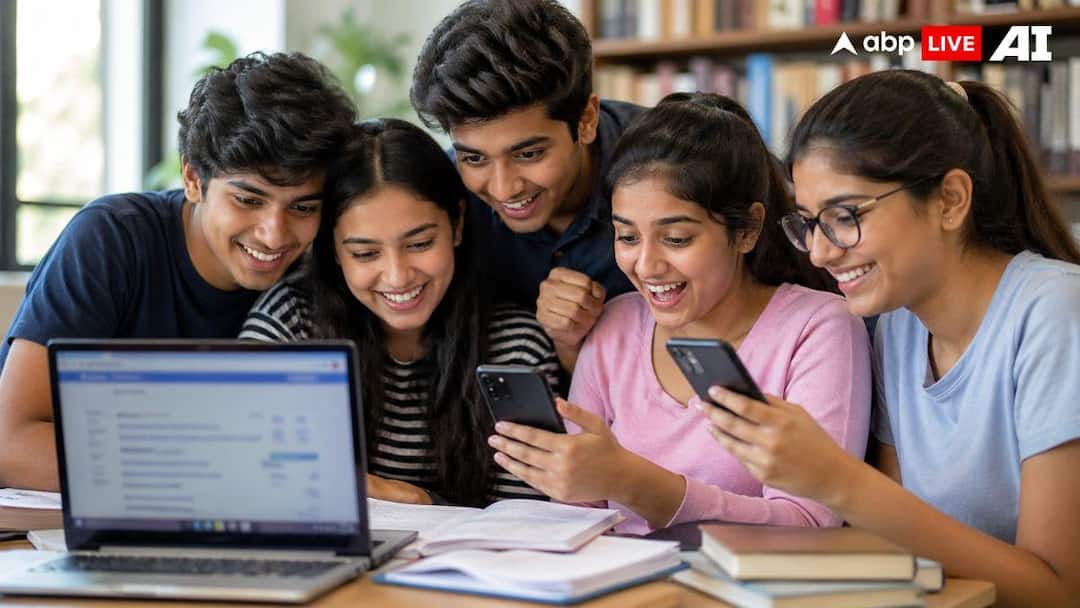
The Central Board of Secondary Education (CBSE) is likely to declare the Class 12 board exam results earlier than usual this year, with strong indications pointing towards a release by April 30, 2026. The quicker timeline is largely due to the implementation of the On-Screen Marking (OSM) system, which has significantly reduced the evaluation duration.
Once the results are officially announced, students will have multiple options to access and download their scorecards, making the process smooth and accessible across different platforms.
CBSE Class 12 Result 2026: Expected Timeline & Exam Overview
The CBSE Class 12 examinations for 2026 commenced on February 17 and concluded on April 10. With a more efficient evaluation process now in place, the board is expected to complete result processing faster than in previous years.
Students are advised to keep their essential credentials, such as roll number and admit card details, ready to ensure a hassle-free result-checking experience.
Check CBSE Class 12 Result 2026 via Official Website
Step 1: Visit the official CBSE results portal
Step 2: Click on “Senior Secondary School Examination (Class XII) 2026”
Step 3: Enter your roll number, school number, admit card ID, date of birth, and security pin
Step 4: Click on submit to view your marks
Step 5: Download and save the marksheet for future reference
Download Digital Marksheet Through DigiLocker
Students who have linked their APAAR ID can access their marksheets directly in the DigiLocker “Issued Documents” section.
Step 1: Visit the DigiLocker website
Step 2: Select “CBSE XIIth Result 2026”
Step 3: Enter your roll number and date of birth
Step 4: Download your digital marksheet
Those without an APAAR ID can register using their school code, roll number, and access code provided by their school.
Other Ways To Check CBSE Class 12 Result 2026
Apart from the official website and DigiLocker, students can also use the following methods:
- UMANG App: Log in, select “CBSE Class XII Results 2026,” and enter required details
- SMS Service: Send cbse12 to 7738299899
- IVRS: Dial 24300699 (Delhi) or 011-24300699 (other regions) and follow instructions
- SMS Organizer App: Access results via the app available on the Play Store
These multiple options ensure that students can check their results even during high traffic on official websites.
Important Tips For Students
Students should carefully verify all details mentioned on their marksheets after downloading them. In case of discrepancies, they must immediately contact their respective schools or CBSE authorities. Keeping both digital and printed copies of the marksheet is recommended for future use.
Education Loan Information:
Calculate Education Loan EMI
Before You Go
Delhi Election Results 2025: Counting Begins; BJP Poised for Historic Comeback in Delhi, Exit Polls Suggest | ABP News
Disclaimer : This story is auto aggregated by a computer programme and has not been created or edited by DOWNTHENEWS. Publisher: abplive.com



